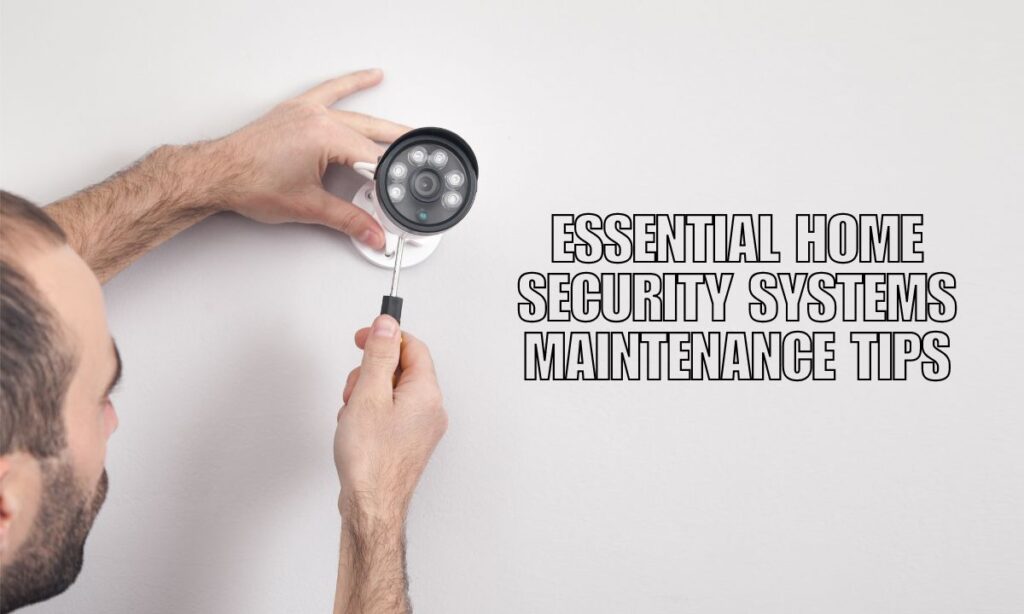
A well-maintained home security system protects your family, and keeping it in top shape is easier than most people think. All it takes is a simple routine — regular testing, quick cleanups, software updates, and staying on top of batteries and contact info. Nail those basics, and your system will rarely let you down.
Most homeowners set up their home security system and forget about it — until something goes wrong. The good news? A little upkeep goes a long way. Think of it like changing the oil in your car. Skip it, and you’re asking for trouble. Stay on top of it, and everything runs smooth.
Key Takeaways:
- Test your alarms and sensors every month to catch problems early.
- Clean camera lenses and sensors regularly so they stay accurate and clear.
- Update your app and firmware to keep bugs and security gaps closed.
- Replace batteries before they die — don’t wait for a warning alert.
- Do a full property walkthrough every season to check outdoor coverage.
- Schedule a professional inspection once a year for peace of mind.

Your Monthly Security System Checklist
Your monthly routine is the backbone of good home alarm system maintenance. A quick monthly check catches most issues before they turn into real problems.
Here’s what to do every month:
| Task | What to Check |
|---|---|
| Test the alarm | Does it trigger and send an alert to your monitoring center? |
| Check all sensors | Do motion detectors, door contacts, and window sensors respond? |
| Review the app | Any offline devices, low battery warnings, or missed alerts? |
| Verify contact info | Is your emergency contact list still current? |
| Check Wi-Fi settings | Is your system still connected to the right network? |
Quick tip: Set a recurring reminder on your phone. It takes less than 15 minutes and saves you a ton of headaches.
How to Clean Your Security Cameras and Sensors
Dirty equipment is one of the most overlooked causes of false alarms and missed detections. Keeping your security cameras and sensors clean is a simple fix.
Cleaning Camera Lenses
- Use a microfiber cloth — it won’t scratch the lens.
- Never spray cleaner directly on the lens. Put it on the cloth first.
- Wipe in a gentle circular motion.
- For outdoor cameras, check for cobwebs, dirt buildup, and water spots.
Cleaning the Control Panel and Sensors
- Wipe the control panel with a dry or slightly damp cloth.
- Keep sensors free of dust and debris — buildup can cause false readings.
- Check that sensors are still properly mounted and haven’t shifted.
Battery Replacement and Device Upkeep
Dead batteries are one of the top reasons home security systems fail — and it’s totally preventable. Staying ahead of battery life is a core part of wireless security system maintenance.
Devices that need regular battery checks:
- Wireless door and window sensors
- Motion detectors
- Smart locks
- Key fobs and remotes
- Smoke and carbon monoxide detectors
Best practice: Don’t wait for the low-battery alert. Check battery levels through your app monthly and replace them on a schedule — usually every 1 to 3 years depending on the device.
Software Updates and Connectivity Checks
Your security system’s software is just as important as its hardware. Outdated firmware can leave your system open to vulnerabilities — so staying current is a must.
Keep Your App and Firmware Updated
- Turn on automatic updates if your system supports it.
- Check for updates manually each month if auto-updates aren’t available.
- Updates often include bug fixes, new features, and security patches.
Connectivity Matters
If your system relies on Wi-Fi or a phone line, any changes to those connections can break your alarm monitoring service.
- Changed your Wi-Fi password? Update it in your security app right away.
- Switched internet providers? Notify your monitoring company immediately.
- Check your video storage — clear old footage if your local storage is getting full.
Seasonal and Outdoor Security Maintenance
Outdoor equipment takes a beating from weather, pests, and overgrowth. A seasonal walkthrough keeps your perimeter coverage solid year-round.
Every 3 to 6 Months
- Walk your entire property and look at every camera’s field of view.
- Trim bushes and trees that block camera angles or create hiding spots.
- Check that motion detection zones are still properly set.
- Inspect outdoor wiring for damage from weather, critters, or wear.
- Test outdoor lights and motion-activated fixtures.
After Severe Weather
- Check cameras for physical damage, loose mounts, or shifted angles.
- Inspect wiring and connections for moisture intrusion.
- Re-test motion sensors — storms can sometimes knock settings off.
Your Simple Home Security Maintenance Schedule
Staying consistent is the key. Here’s a straightforward routine you can follow:
| Frequency | What to Do |
|---|---|
| Weekly | Glance at the app for battery status and any offline devices |
| Monthly | Test alarms, sensors, and cameras; verify contact info and Wi-Fi |
| Every 6 Months | Clean all devices; inspect outdoor cameras, wiring, and coverage zones |
| Yearly | Review equipment condition, check warranty, consider upgrades, schedule pro inspection |
Golden rule: If a device is dirty, offline, low on battery, or giving false alarms — treat it as a maintenance issue right now, not later.
When to Call a Professional
Some things are better left to the pros. If you notice any of the following, it’s time to reach out for expert security system repair or a full inspection:
- Frequent false alarms with no clear cause
- Sensors or cameras that go offline repeatedly
- Wiring damage or exposed cables
- System errors that don’t resolve after troubleshooting
- Equipment that’s more than 5 to 7 years old
An annual professional inspection is also a smart move — especially if your system manufacturer recommends one or if your warranty or service contract includes it.
FAQs About Home Security Maintenance
How often should I test my home security system?**
Test your system at least once a month. A quick alarm trigger and sensor check is all it takes. Monthly testing helps you spot dead sensors, connectivity issues, or battery problems before they leave your home exposed.
How long do security system batteries last?**
Most wireless security devices run on batteries that last 1 to 3 years. Smart locks and high-use sensors may drain faster. Check your app monthly for battery alerts and replace them proactively rather than waiting for a failure.
Do I need a professional to maintain my home security system?**
Most routine maintenance — testing, cleaning, updating software, replacing batteries — is DIY-friendly. However, a professional annual inspection is a good idea to catch wiring issues, hardware wear, and blind spots you might miss on your own.
What happens if I change my Wi-Fi password and don’t update my security system?**
Your system will lose its connection to the monitoring center and your app. Always update your security system’s Wi-Fi credentials right after changing your network password, and notify your monitoring provider if your internet setup changes.
How do I know if my security camera needs to be replaced?
Signs it’s time for a new camera include: persistent blurry or distorted footage after cleaning, frequent offline status, physical damage from weather or impact, or technology that no longer supports current app or monitoring features. An upgrade could also get you better resolution and smart detection features.
Keep Your Home Protected Year-Round
Home security system maintenance doesn’t have to be a chore. A quick weekly app check, a monthly test run, a seasonal outdoor inspection, and a yearly professional review — that’s really all it takes to keep your system running like it should.
The goal is simple: your security system should work exactly when you need it. Staying on top of maintenance means no surprises, no gaps, and no moments where you’re left wondering if your home is actually protected.
Ready for a Security System Check-Up?
Whether you need a routine inspection, a repair, or a full system upgrade, the team at Callaway Security & Sound is here to help. We make it easy to keep your home protected — from routine maintenance to professional installation and monitoring.
Contact Callaway Security & Sound today and let’s make sure your home is as secure as it should be.