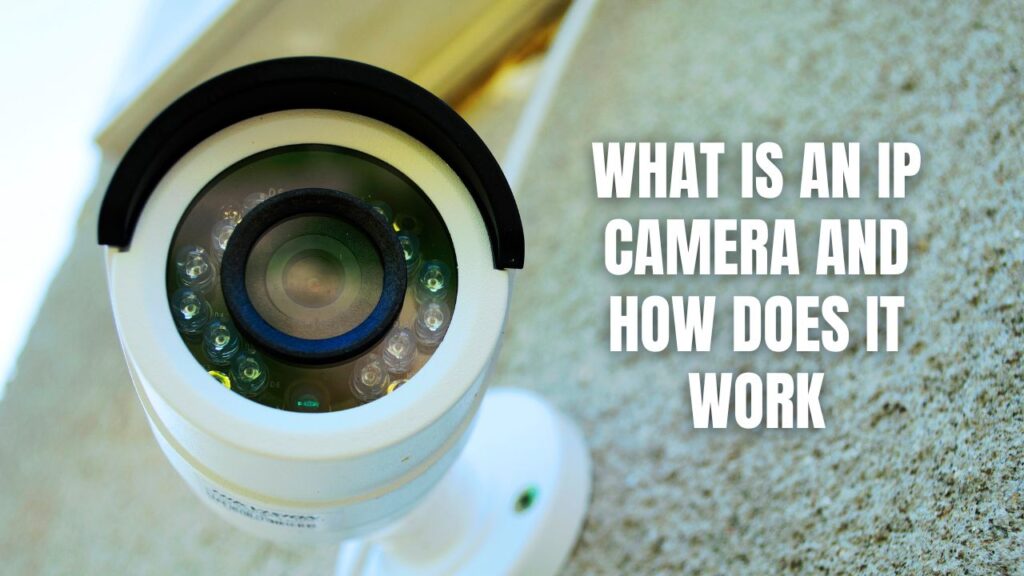
An IP camera is an Internet Protocol security camera that captures video and sends it over a local network to a network video recorder (NVR). This network-based design allows IP cameras to support higher resolution, centralized recording, and remote access.
Older analog cameras were simple. The camera captured an image, sent an electrical signal down a wire, and the recorder did the rest. In analog cameras, the image quality dropped over distance, adding cameras was painful, and troubleshooting usually meant checking cables one by one.
IP cameras flipped that model.
Each IP camera now acts like a small computer on the network. It captures video, processes it internally, compresses it, and sends it as data to a recorder or management system. This shift is why nearly all modern commercial CCTV systems are IP-based today.

How an IP Camera Works Inside a Real System
In practice, an IP camera is always doing a few things at once. You don’t see these steps when the system is working properly, but when something goes wrong, it’s almost always tied to one of them.
First, the camera captures the image.
Light passes through the lens and hits a digital image sensor inside the camera. Unlike analog systems, the signal is converted to digital form right there in the camera housing. Exposure, noise reduction, and wide dynamic range are all handled locally.
This is one reason IP cameras are more consistent over long cable runs — the image quality isn’t dependent on how far it has to travel.
Next, the video is compressed.
Raw video is far too large to send continuously over a network, so the camera compresses it using formats like H.264 or H.265. This step has a bigger impact than most people realize.
Compression affects:
- How much bandwidth the camera uses
- How many days of footage you can store
- Whether playback is smooth or choppy
Aggressive compression saves space, but it can also destroy fine detail when you actually need it.
Then, the video moves across the network.
Each IP camera has its own address and sends video as data packets to the network video recorder. At this point, the camera is no different from any other networked device, it depends on switches, cabling, and available bandwidth.
This is where IP systems either shine or fall apart.
One overloaded switch, one bad uplink, or one misconfigured setting can affect multiple cameras at once.
Finally, the video is recorded and accessed.
In commercial security systems, footage is usually stored on a local Network Video Recorder (NVR) with dedicated hard drives. Viewing camera footage is handled through secure local network access rather than relying entirely on the cloud.
Why IP Cameras Changed Surveillance (For Better and Worse)
The real advantage of IP cameras isn’t just sharper video. It’s control.
Because video is digitized at the camera, image quality is determined by things you can plan for, such as resolution, lens choice, lighting, and compression, rather than cable limitations. This makes it easier to add cameras, expand storage, or manage multiple buildings without replacing the entire system.
At the same time, IP cameras introduce new failure points. Power, network design, and storage architecture are no longer background concerns. They’re central to whether the system works at all.
That’s why a poorly designed IP system can perform worse than an older analog setup, even with “better” cameras on paper.
Can IP Cameras Be Hacked?
Yes — IP cameras can be hacked. But not in the way most people imagine.
In real-world incidents, cameras aren’t usually “broken into” through some advanced cyberattack like in the movies. They are compromised because they’re treated like appliances instead of what they actually are: networked computers.
When an IP camera is exposed to the internet without proper safeguards, it becomes just another device attackers can scan, probe, and exploit.
How IP Cameras Actually Get Compromised
Most camera breaches follow a predictable pattern. It’s rarely one big mistake. Instead, it’s usually several small ones stacked together.
The most common causes include:
- Default or weak passwords that were never changed after installation
- Open ports forwarded directly to the camera or NVR for remote access
- Outdated firmware with known vulnerabilities
- Flat networks where cameras share the same network as office computers
- Unsecured mobile or web access without encryption or access controls
In many cases, attackers aren’t even targeting a specific building. They’re scanning the internet for exposed devices and taking whatever responds.
What Hackers Can (and Can’t) Do
When an IP camera is compromised, the impact depends on how the system is designed.
What attackers can potentially do:
- View live or recorded video
- Disable or manipulate camera feeds
- Use the camera as a foothold into the broader network of devices on the same IP
- Change settings or lock out administrators from the NVR
What they usually can’t do:
- Access footage stored on properly secured local NVRs without credentials
- Bypass segmented or isolated camera networks
- “Take over” cameras that aren’t exposed to the internet
This is why architecture matters more than brand names.
Common Types of IP Cameras Used in Commercial CCTV Systems
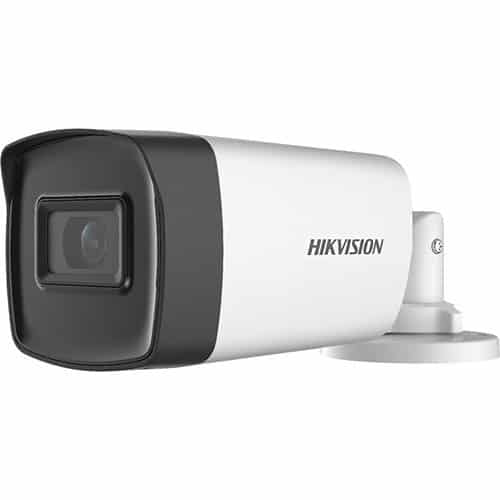
Bullet Cameras
Typically used outdoors or for long corridors where directional coverage is required.
Dome Cameras
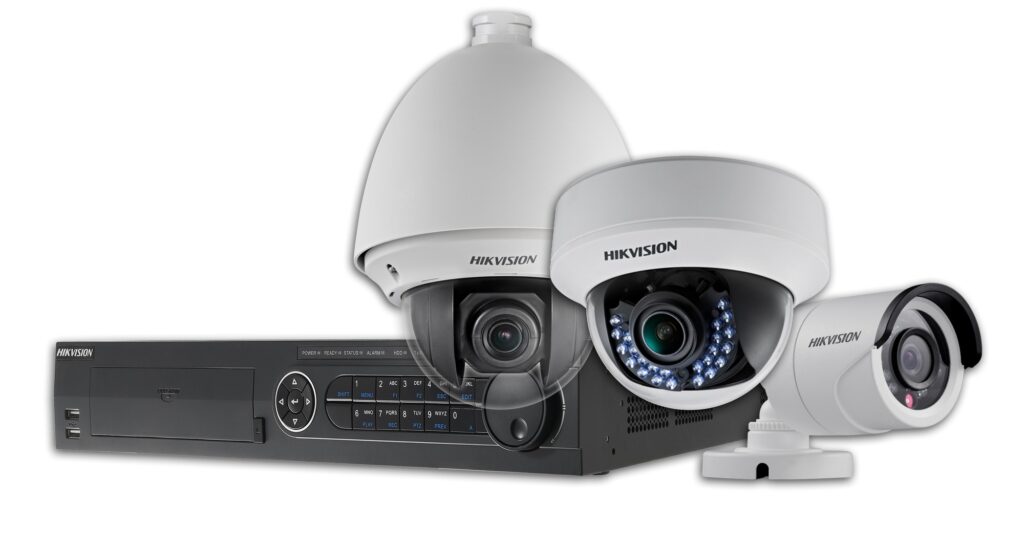
Common indoors and in public-facing areas due to their discreet appearance and resistance to tampering.
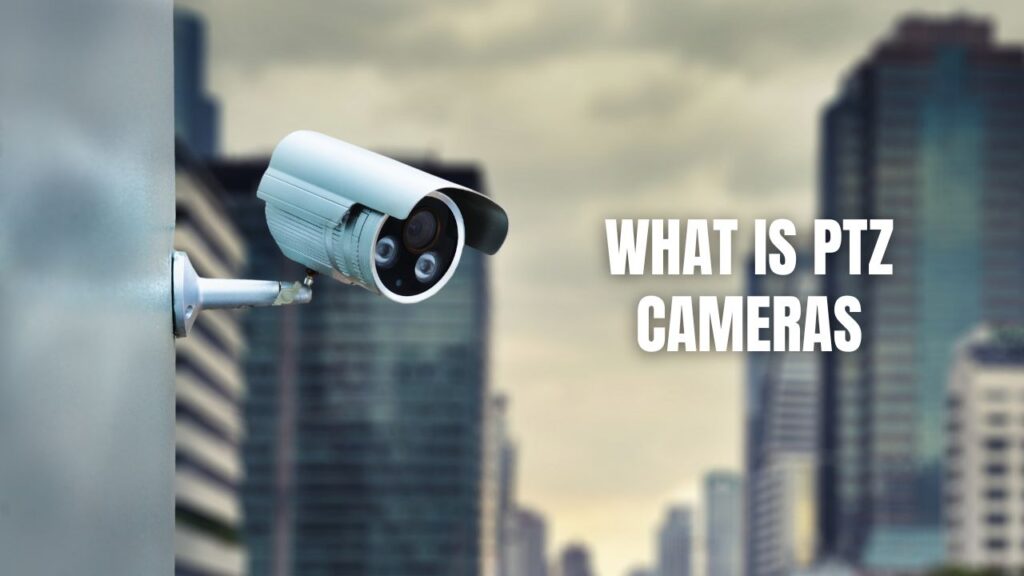
PTZ (Pan-Tilt-Zoom) Cameras
Common indoors and in public-facing areas due to their discreet appearance and resistance to tampering.
Fisheye Cameras

Designed for wide-area coverage in retail or office environments where a single camera replaces multiple fixed views.
Power and Connectivity: Where Most Problems Start
Despite how they’re marketed, IP cameras aren’t wire-free in commercial environments.
Most professional systems rely on Power over Ethernet (PoE), which sends power and data over a single network cable to each camera. Do not try to connect high-quality cameras over Wi-Fi. Installing cameras on a wireless connection often leads to connectivity issues, cameras going offline randomly, and an overall bad experience. For the best performance in a commercial CCTV system, run a Cat-6 cable to each camera.
Once cameras are tied to the network, a surveillance system is only as reliable as the infrastructure supporting it. If the building’s network isn’t designed properly, cameras can become unstable, drop offline, and miss recordings at critical moments.
Are IP Cameras Always the Right Choice?
For modern commercial surveillance, IP cameras are the standard. However, legacy analog systems can still be functional in limited scenarios, and hybrid systems are sometimes appropriate during phased upgrades.
IP cameras perform best when deployed as part of a properly designed networked system, not as isolated devices added over time without planning.
Why This Matters
IP cameras are powerful tools, but they reward planning and punish shortcuts. When systems are designed intentionally, they deliver consistent recording, clean playback, and long-term flexibility. When they aren’t, the same features that make IP cameras appealing can amplify every weakness in the system.
That’s the difference between a camera system that looks good on a spec sheet and one that actually works when it’s needed.
Contact Callaway Security & Sound if you need help with your commercial CCTV system in Atlanta.