There’s no single “best” security camera system that fits every home. The right pick depends on what you care about most — video quality, wired or wireless setup, local or cloud storage, smart AI detection, budget, and how well it plays with your other smart-home gear.
That said, we can narrow it down fast. If you want crisp video, easy remote viewing, and a system that grows with your home, an IP camera system tied into a smart home security platform (like Alarm.com-powered cameras) beats older analog setups almost every time. Let’s break down why, and help you figure out which system actually fits your house, your budget, and your peace of mind.
Key Takeaways:
- NVR (IP camera) systems offer sharper video, audio support, and easier installation than older DVR/analog setups.
- DVR and SVR systems using analog cameras cost less upfront but fall behind on resolution, audio, and remote features.
- Cabling matters — coaxial cables need separate power lines, while Ethernet (especially PoE) can carry power, video, and audio in one cable.
- Cloud storage and smart alerts (like those from Alarm.com) give you real-time notifications instead of just recorded footage you check later.
- Professional installation ensures cameras are placed correctly and integrated with your full home security system.
NVR vs. DVR vs. SVR: What’s The Real Difference?
The type of recorder your cameras connect to shapes almost everything about your system — cost, video quality, and how much hassle installation will be.
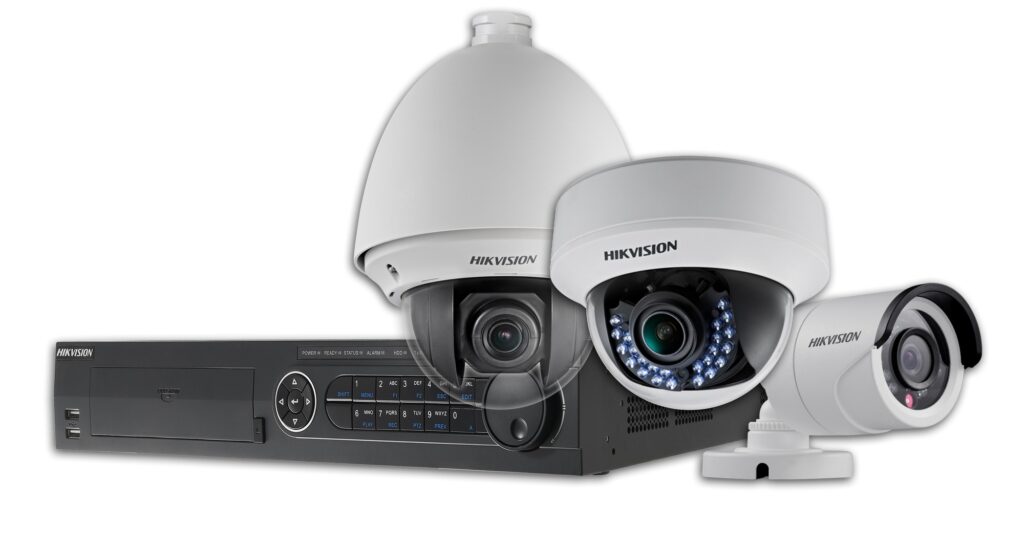
DVR Systems: Budget-Friendly, But Limited
DVR (Digital Video Recorder) systems pair with analog cameras, sometimes called CCTV cameras. They’re the cheaper option, mainly because analog cameras themselves cost less.
Here’s the catch:
- Analog cameras connect through coaxial cables, which max out around 500 meters.
- Coaxial cables don’t carry power, so you need a second cable just for that.
- Audio needs an extra RCA connector, and most DVR recorders only support a handful of audio inputs.
- An AD encoder converts the raw signal into watchable footage, adding another point of complexity.
In short: DVR gets the job done, but it asks for more wiring and gives back less flexibility.
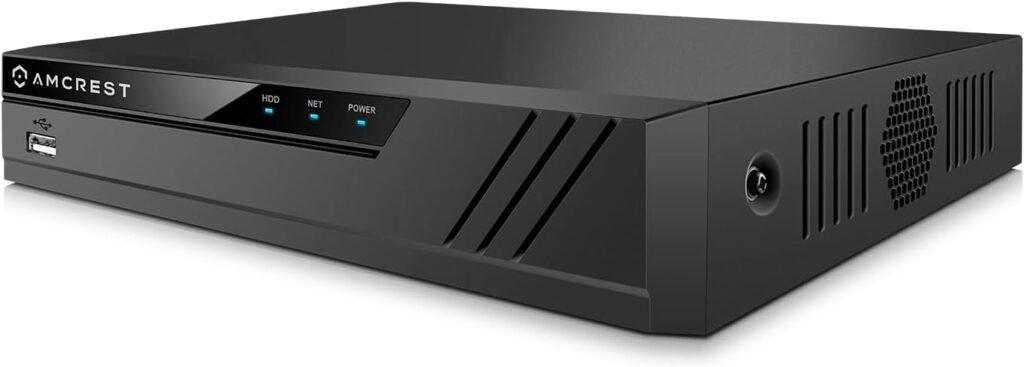
NVR Systems: Sharper Video, Smarter Setup
NVR (Network Video Recorder) systems use IP cameras, and this is where most modern smart home security setups live.
- IP cameras process video before sending it to the recorder, resulting in better image quality.
- Ethernet cables (up to 100 meters) connect the cameras — and many support Power over Ethernet (PoE), meaning one single cable handles video, audio, and power.
- Audio comes standard, since Ethernet naturally supports it.
- Cloud storage means you’re not limited to whatever your on-site hard drive can hold.
If you want a system that supports facial recognition, license plate detection, or other advanced analytics, NVR with IP cameras is the way to go.
SVR Systems: Similar To DVR, Same Limitations
SVR (Standard Video Recorder) systems work almost identically to DVR setups. They use analog cameras, coaxial cabling, and AD encoders to process footage. Costs stay low, but so does performance — you’ll run into the same power, audio, and distance restrictions as a DVR system.

Analog vs. IP Cameras: A Side-By-Side Look
Choosing between analog and IP cameras comes down to what you’re willing to trade off. Here’s a quick comparison:
| Feature | Analog Cameras | IP Cameras |
|---|---|---|
| Resolution | Up to 4-5MP (typically lower) | 1.3MP to 5MP+, generally sharper |
| Motion Detection | Basic | Advanced, higher frame rate |
| Audio | Limited, needs extra hardware | Built-in support |
| Cabling | Coaxial + separate power | Single Ethernet (PoE-capable) |
| Max Transmission | ~300m (coax), 1.5km (twisted-pair) | ~100m (Ethernet), unlimited via internet |
| Encryption | None during transmission | Encrypted at the source |
| Smart Integration | Minimal | Built for smart building/home systems |
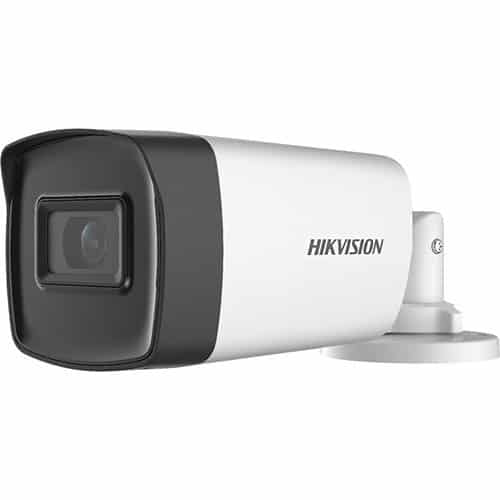
Video Quality Comes Down To Resolution And Bandwidth
Picture quality matters most when you actually need the footage — like identifying a face after a break-in. IP cameras generally win here, offering higher resolution and better motion detection than analog cameras. Just keep in mind that sharper video means bigger files, so you’ll need enough network bandwidth to keep things running smoothly.
Coverage Depends On Camera Flexibility
Analog systems often need more cameras to cover the same ground, and their pan-tilt-zoom features can hurt image quality when used. IP cameras can digitally zoom without losing clarity, and some models pack multiple lenses into one housing — meaning fewer devices, less wiring, and lower long-term costs.
Data Security Isn’t Optional Anymore
Analog camera feeds transmit without encryption, leaving them vulnerable if someone intercepts the signal. IP cameras, by contrast, encrypt data at the source before it ever leaves the camera. If you’re serious about protecting your home and your privacy, this alone is worth considering.
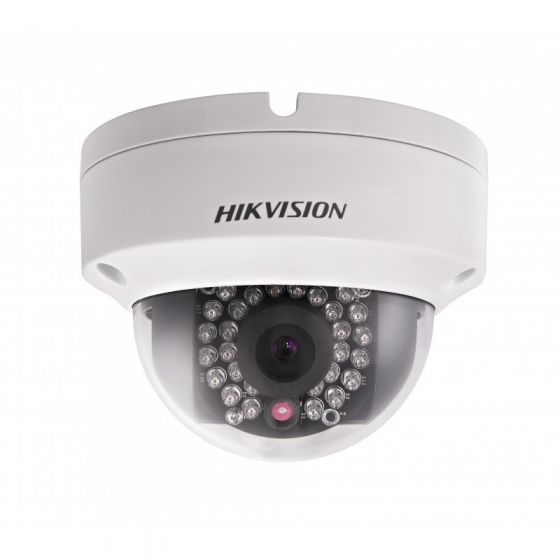
Why Alarm.com-Powered Cameras Stand Out
Alarm.com cameras aren’t just recording devices — they’re a full smart home security layer. Here’s what sets them apart:
- HD clarity with night vision — many models offer 1080p resolution with infrared vision for clear footage, day or night.
- Custom video alerts — get notified for specific events, like someone stepping onto your porch or your kids arriving home from school.
- Easy clip sharing — send footage straight from the app to friends, family, or law enforcement.
- Professional support — from placement to maintenance, the heavy lifting is handled for you.
- Multiple camera options — including discreet indoor units, weather-resistant outdoor cameras, and a Wi-Fi doorbell camera.
Cloud-based updates mean your cameras keep getting smarter over time, without you needing to buy new hardware every couple of years.
Frequently Asked Questions
Is a wired or wireless security camera system better?
Wired systems (especially PoE) tend to offer more reliable connections and steadier video, while wireless cameras win on easy installation and flexible placement. Your home’s layout and Wi-Fi strength usually decide which makes more sense.
Do I need cloud storage for my security cameras?
Not always, but it helps. Cloud storage backs up footage off-site, so you’re covered even if someone steals or damages your camera or recorder.
Can I add security cameras to an existing alarm system?
In most cases, yes. Systems like Alarm.com are built to integrate cameras with your existing alarm monitoring and smart home devices for one connected setup.
How many cameras do I actually need for my home?
It depends on your home’s size and entry points, but most homes do well with cameras covering the front door, back door, driveway, and any blind spots around the property.
What’s the difference between IP cameras and smart cameras?
IP cameras just refer to the connection type (network-based). Smart cameras, like those from Alarm.com, add features like AI-based alerts, activity zones, and app integration on top of that IP foundation.
Finding The Right Fit For Your Home
At the end of the day, the best security camera system is the one that matches how you actually live — your budget, your home’s layout, and how hands-on you want to be with monitoring. Whether that’s an entry-level DVR setup or a fully connected, AI-powered NVR system, the goal stays the same: keeping your home and family safe without the guesswork.
Ready to find the right security camera system for your home? Callaway Security & Sound can walk you through your options, from installation to alarm monitoring, and even upgrades or repairs for your existing setup. Contact us today and let’s build a system that actually works for your home.