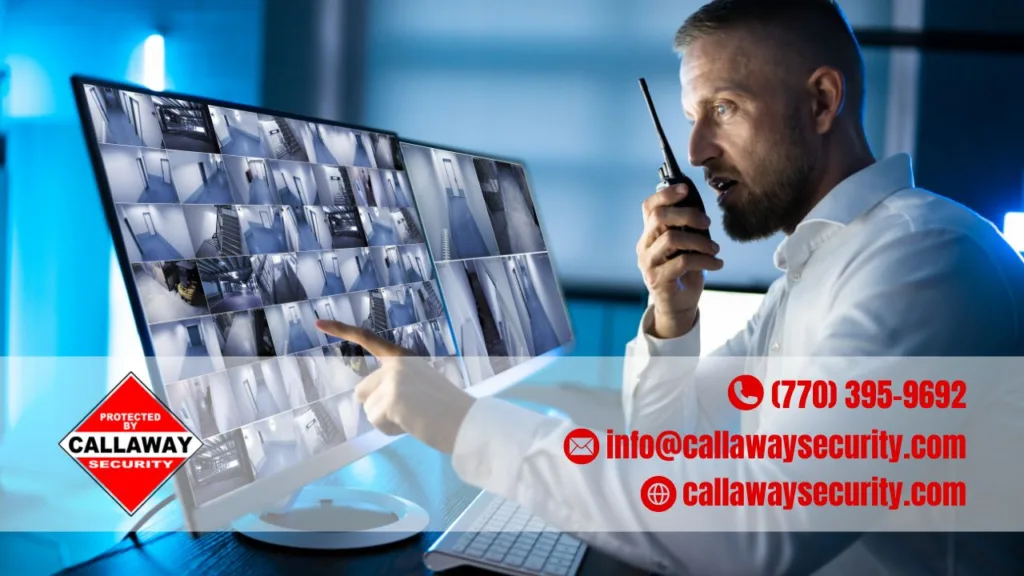
The best security system for a small business combines professional monitoring, video cameras, door and window sensors, and access control — all installed by a trusted local provider like Callaway Security & Sound. There’s no single “best” brand for every business. The right setup depends on your building, your budget, and the risks you actually face day to day.
That said, we don’t think you should have to guess. We’ve broken down what makes a small business security system worth your money, how to match features to your type of business, and why working with a local, independent installer often beats a big-box national brand. By the end of this guide, you’ll know exactly what to look for — and what to skip.
Key Takeaways:
- A good small business security system covers three basics: video, sensors, and monitoring.
- Your business type (office, retail, restaurant, or warehouse) decides which features matter most.
- Professional monitoring means faster response times and better protection after hours.
- Local, independent providers often give more personalized service than large national chains.
- Wireless systems are easier to install and expand as your business grows.
- Access control (like smart locks and employee codes) adds a second layer of protection beyond alarms.
Why Every Small Business Needs a Security System
A security system protects three things: your property, your people, and your profits. Break-ins, theft, and vandalism cost small businesses thousands of dollars every year. A solid system doesn’t just catch a crime after it happens — it stops many crimes before they start.
Insurance companies notice too. Many insurers lower premiums for businesses with monitored alarm systems and cameras. So a security system doesn’t just protect you; it can also save you money over time.
The Three Core Components
Every strong small business security setup includes these building blocks:
| Component | What It Does | Why It Matters |
|---|---|---|
| Video cameras | Records activity inside and outside | Deters theft, provides evidence, lets you check in remotely |
| Door and window sensors | Detects forced entry | Triggers alarms the moment a break-in starts |
| Professional monitoring | Connects your alarm to a monitoring center | Sends help fast, even when no one’s on-site |
For a deeper look at how these pieces work together, check out business security solutions from Callaway Security & Sound.
How to Choose the Right System for Your Business Type
The best system for a boutique shop looks different from the best system for a warehouse. Here’s how the choice usually breaks down.
Offices and Coworking Spaces
Offices mostly need protection for after-hours break-ins. Door and window sensors, motion detectors, and smart locks cover most of what you need. Since foot traffic is lower, you may not need as many cameras as a retail store would.
Retail Shops and Restaurants
Retail businesses face daily walk-in traffic, so video matters most here. Cameras near registers and entrances help catch shoplifting and keep an eye on cash handling. Glass-break sensors add extra protection for storefront windows.
Warehouses and Storage Facilities
Warehouses need wide coverage. Perimeter cameras, motion sensors, and cellular backup (in case someone cuts the power or internet) keep large properties protected around the clock.
DIY vs. Professional Installation
You’ll come across two main installation styles when shopping for a system.
- DIY systems: Lower upfront cost, and you install everything yourself. Good for very small spaces or tight budgets.
- Professionally installed systems: A technician designs, installs, and tests the whole system. This is usually the smarter choice for commercial properties, since wiring, camera placement, and sensor coverage need to be done correctly the first time.
A professional install also means someone stands behind the work. That’s a big reason many small business owners choose professional business security installation instead of piecing together a DIY kit.
Wireless Security Systems: The Modern Standard
Wireless systems have become the go-to option for most small businesses in 2026. They’re faster to install, easier to expand, and don’t require tearing into walls to run cable. If you move locations or want to add a camera later, a wireless setup makes that simple.
Explore wireless business security options to see how a cable-free setup could work for your space.
Camera Systems: Your Eyes When You’re Not There
Cameras do more than record footage. Modern systems send real-time alerts to your phone, let you check live video from anywhere, and store footage in the cloud so it’s never lost if someone tampers with the hardware.
Here’s a quick video that breaks down how different camera systems compare in real-world testing: Best Security Systems 2026. It’s a helpful watch if you want a visual sense of camera placement and picture quality before you decide.
For a full rundown of options built specifically for commercial spaces, take a look at business camera systems.
Access Control: Locking Down Who Comes and Goes
Access control systems replace traditional keys with smart locks, keypads, or key fobs. Instead of handing out physical keys, you assign codes or cards to employees. If someone leaves the company, you simply deactivate their access — no need to re-key the whole building.
This is especially useful for:
- Businesses with multiple employees or shifts
- Buildings with several entry points
- Owners who want a record of who entered and when
Learn more about access control systems for business and how they pair with your existing alarm setup.
Upgrading or Repairing an Existing System
If you already have a security system but it feels outdated, you don’t need to start over. Many providers can upgrade your current sensors, cameras, and control panel without replacing the entire setup. This saves money while still getting you newer features like mobile alerts and cloud storage.
If something’s broken instead, a quick repair often solves the problem faster than a full replacement. Callaway Security & Sound offers both system upgrades and repair services to keep your existing investment working the way it should.
Why a Local, Independent Provider Beats a Big Chain
National brands are everywhere, and they’re not bad options. But small businesses often get more value from a local, independent security company. Here’s why:
- Faster response: Local technicians can usually reach your business quicker than a national call center.
- Personalized service: You’re not just a ticket number — you talk to real people who know your property.
- Flexible plans: Independent providers can tailor a system to your exact building instead of pushing a one-size-fits-all package.
- Community trust: Local companies rely on reputation, so they tend to go the extra mile.
This is exactly why we recommend working with an established, independent provider that knows your area — rather than a call center hundreds of miles away.
Frequently Asked Questions
What is the best security system for a small business?
The best system combines video cameras, door and window sensors, and 24/7 professional monitoring. The right mix depends on your business type, but most small businesses benefit from starting with cameras and entry sensors, then adding access control as they grow.
How much does a small business security system cost?
Costs vary widely, but most small businesses spend a few hundred dollars on hardware and somewhere between $20 and $60 a month for monitoring. Warehouse or multi-location businesses usually spend more due to added coverage needs.
Do I need professional monitoring, or can I monitor it myself?
Self-monitoring works if you’re comfortable handling alerts yourself and calling authorities when needed. Professional monitoring costs more but guarantees someone responds even if you’re asleep, on vacation, or simply don’t see the alert in time.
Is a wireless security system reliable for a business?
Yes. Wireless systems are just as reliable as wired ones today, and they come with the added benefit of cellular backup. That means your system keeps working even if someone cuts the power or internet line.
Can I upgrade my current security system instead of replacing it?
In most cases, yes. A technician can add newer cameras, sensors, or access control to your existing setup without tearing everything out. This is often the more affordable route if your current system still has some useful hardware.
Protect What You’ve Built
Choosing the right security system comes down to matching real features to your real risks — not chasing the flashiest brand name. Video coverage, reliable sensors, and dependable monitoring form the foundation. From there, access control and smart upgrades round things out.
If you’re ready to protect your business with a system built around your actual space, reach out to Callaway Security & Sound. Their team designs, installs, and supports security systems made for small businesses like yours — not a generic package pulled off a shelf. Contact Callaway Security & Sound today to get a plan built around your business.